 SELF-INITIATED / 2025–26
AI-assisted practice / 2025–26
Designing with AI
I use AI to take my own designs all the way to working products. I set the direction, AI writes the code, and I edit until it meets the brief.
For most of my career, an idea stopped at the mockup. Getting it built meant a developer, a budget and a queue. AI changes that. I can now take a design from sketch to a live, working product on my own, and test it with real people the same week.
The craft hasn't moved. The grid, the type, the palette and the judgement are still mine. AI is the fastest route from a design decision to something you can click. It produces a first pass; I art-direct every pass after that.
You're looking at the clearest example. This site is a Swiss-style index where each project carries its own light palette, and the whole page takes it on as you browse. No template and no page builder: I designed the system, then built it in HTML, CSS and JavaScript with AI.
The first pass AI gives you is generic: a centred hero, a row of cards, a stock gradient. The work is in pushing it somewhere specific, through the grid, a tight type scale, hover behaviour and a lot of small corrections.
Representative wireframe. The generic first pass, and where art direction took it.
Direct: I start where I always do: grid, type, colour and a clear idea of how it should feel, before any code exists.
Brief: I write the brief for AI the way I'd brief a developer: what it is, who it's for, what matters and what to avoid.
Build: AI writes the first version. I read it, run it and steer it, one decision at a time.
Critique & ship: I review every screen as a designer, redline what's off, and iterate until it's right. Then it goes live.
Representative wireframe. Four steps, repeated until it's right.
The idea is mine. The code is a conversation.
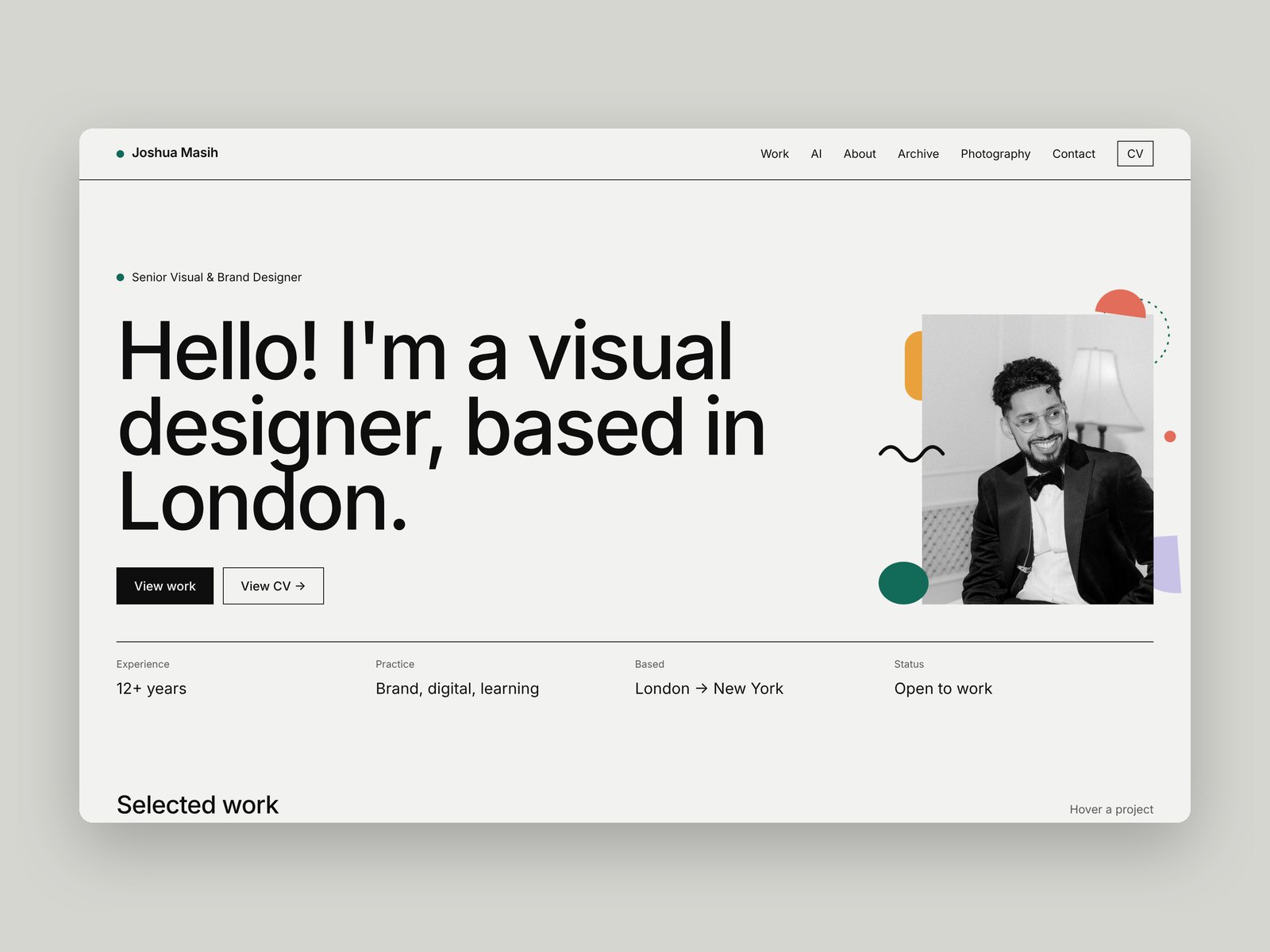
This portfolio
A Swiss-style index where every project re-themes the page. Art-directed by me, built in HTML, CSS and JS with AI.
You're on it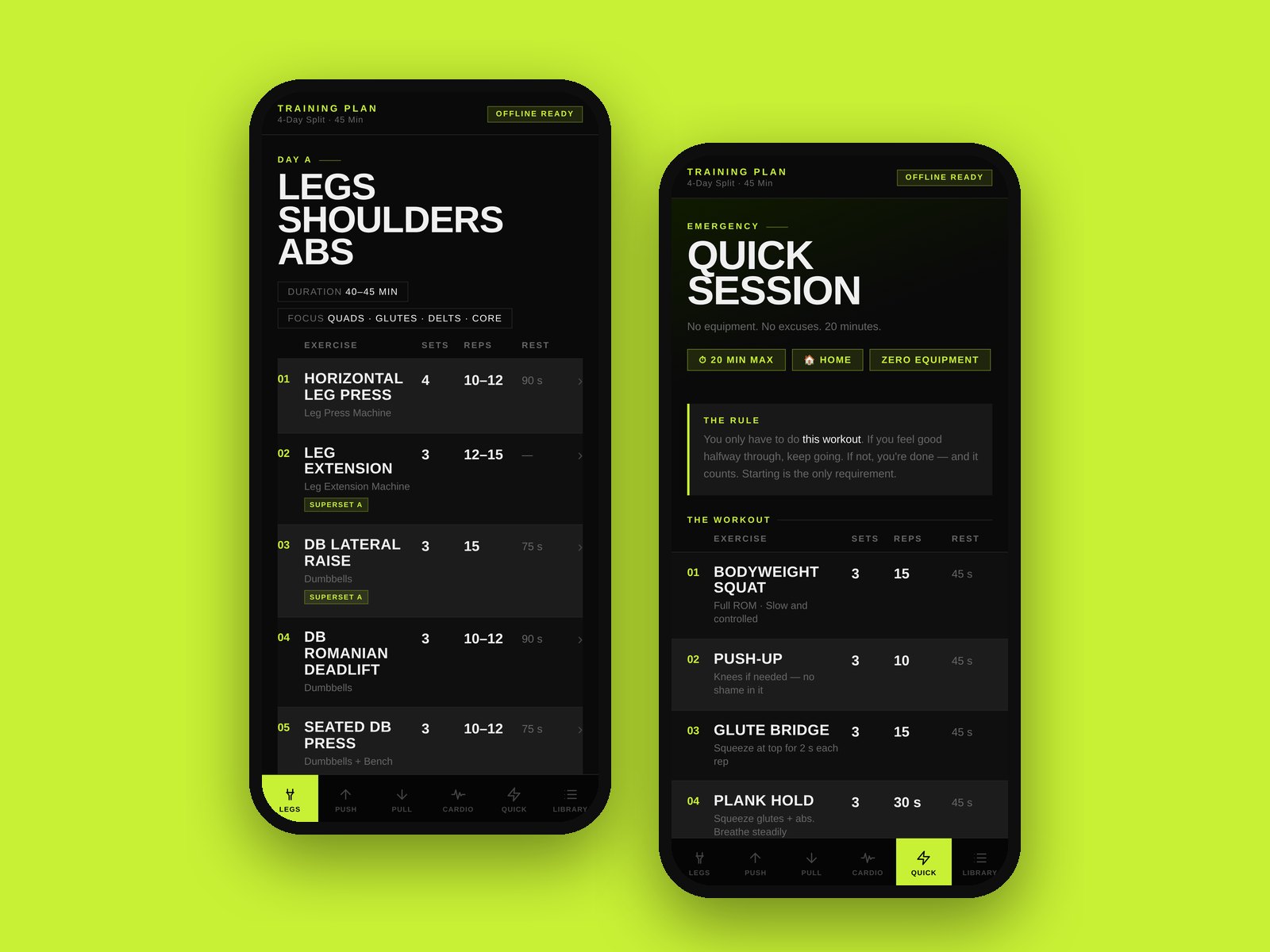
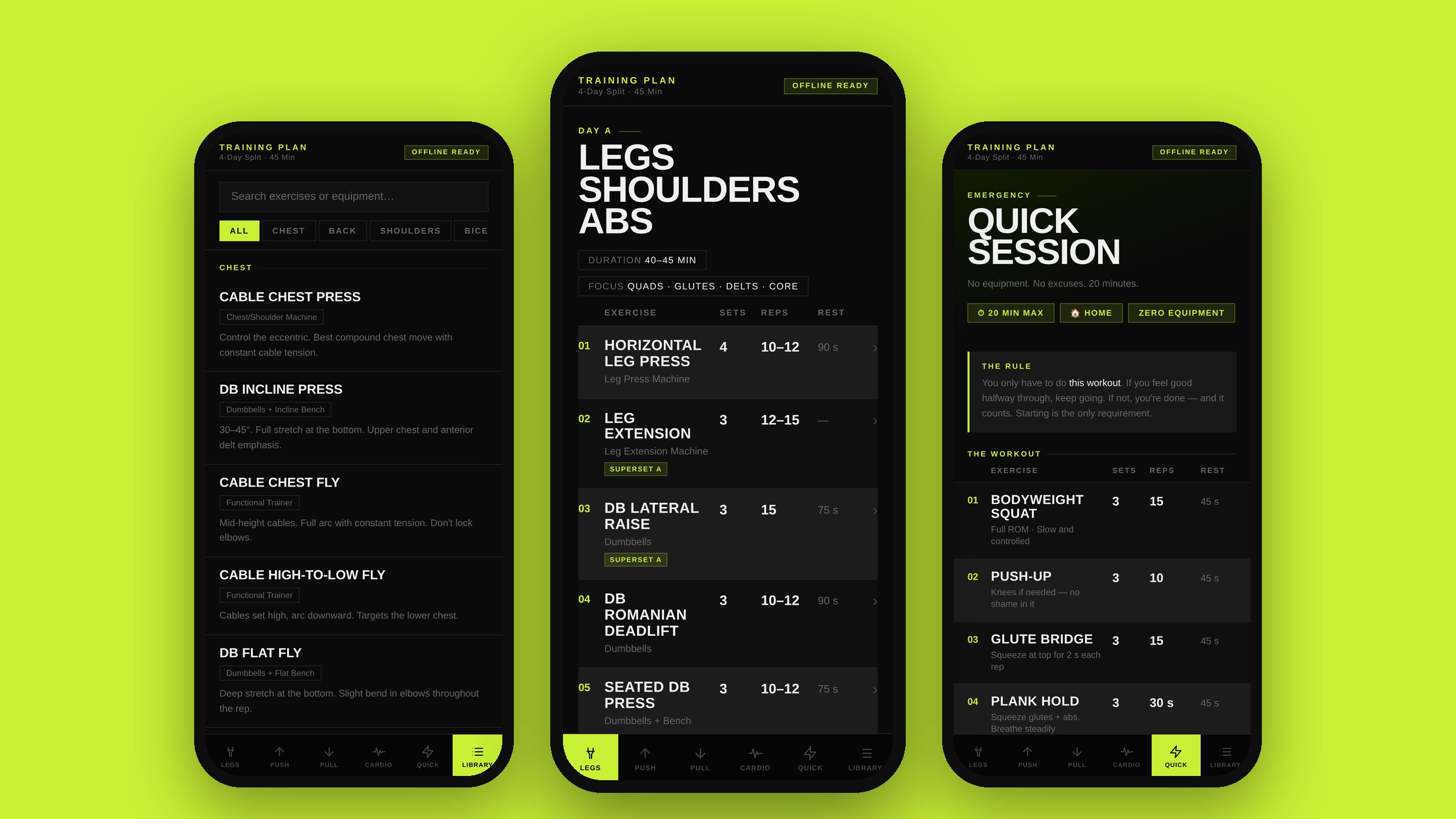
Training Plan
A gym app built around my gym's actual equipment: four training days, a no-equipment quick session, an exercise library and editable plans. Works offline.
Open live app ↗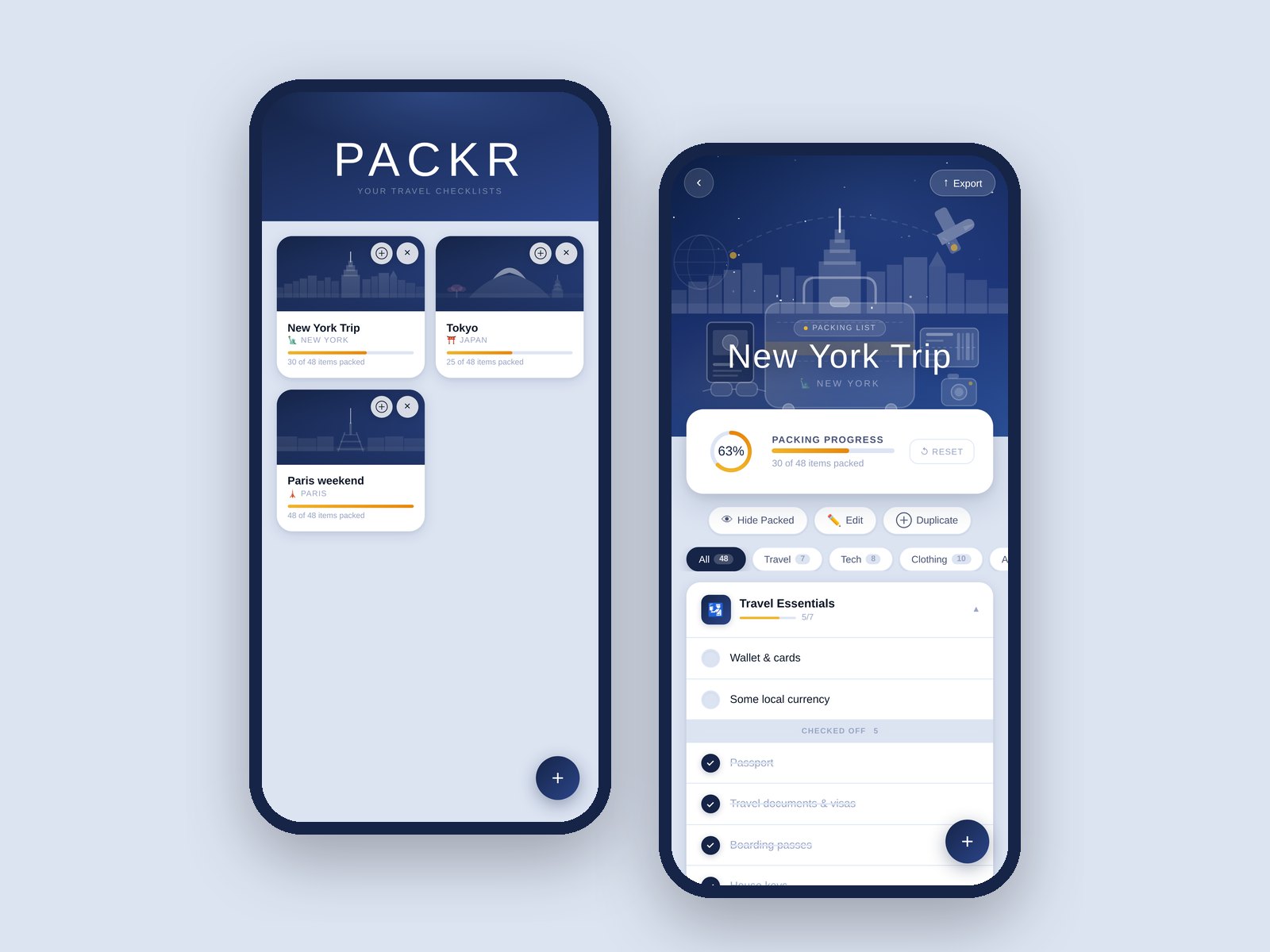
Packr
A packing-list app that installs to your phone's home screen and keeps every trip's list in one place.
Open live app ↗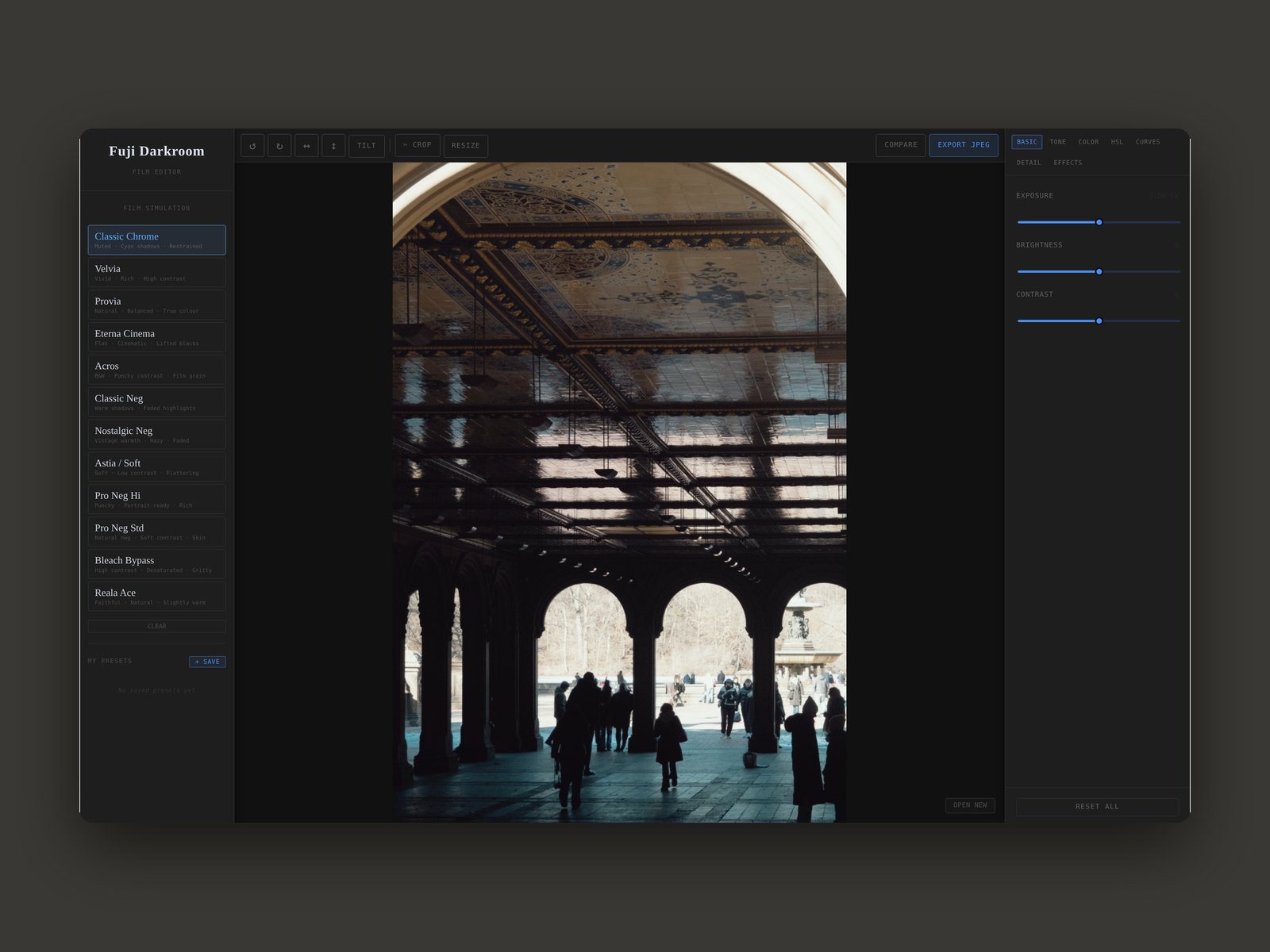
Fuji Darkroom
A browser photo editor with film-simulation looks, built around how I edit my own photography.
Open live app ↗Four products designed, built and shipped, each one live and in use. Building them has made me a sharper designer: I now think in states, edge cases and interactions, not just screens, and I can prototype an idea properly instead of describing it.
For a studio, that means ideas that can be tested as working prototypes early, and a designer who can talk to developers in their own terms. Every build above is live, so open them and try them out.